

CLI Reference
glue init
Initialize Glue in your project.
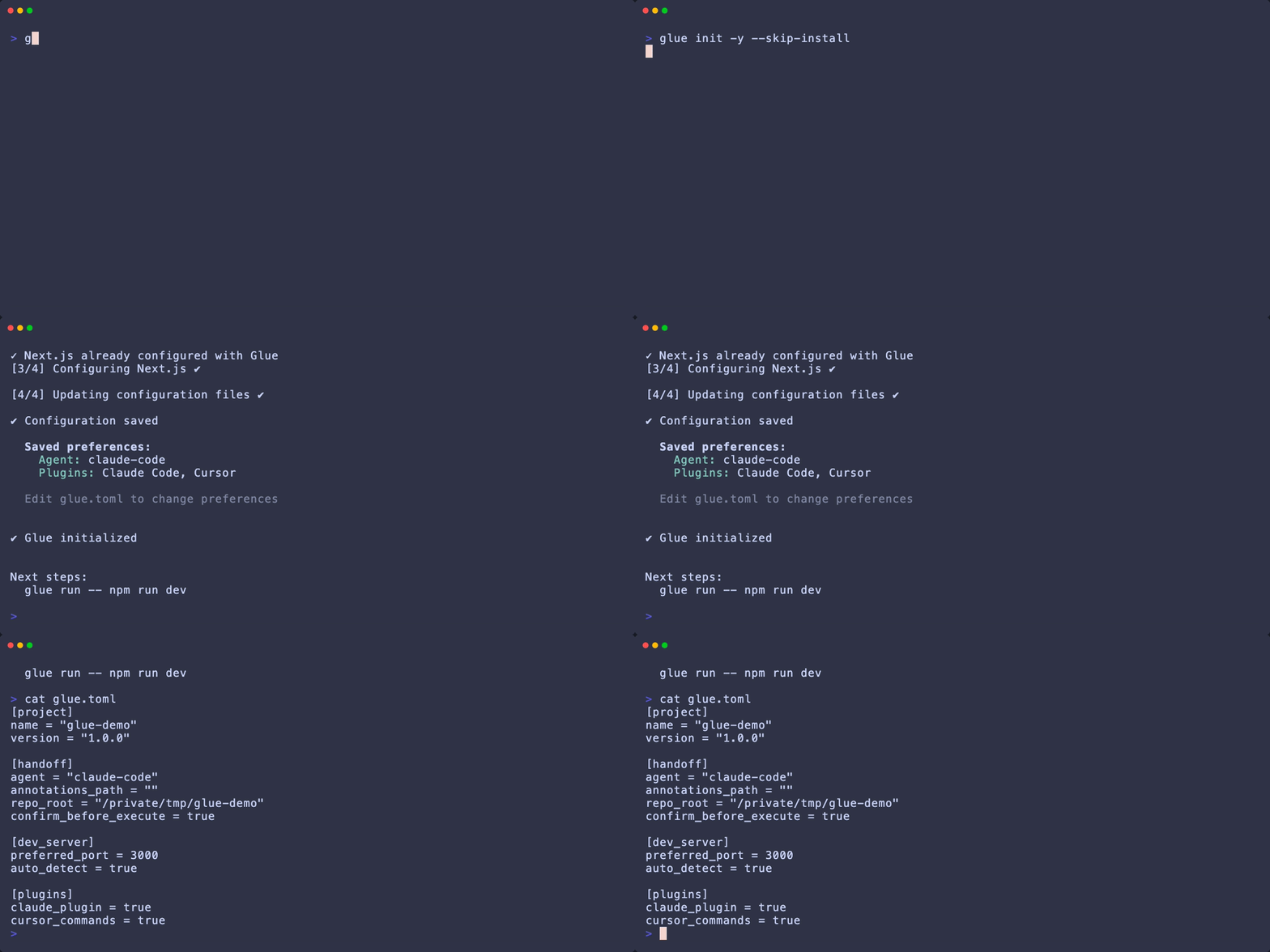
.glue/ directories, configures your bundler, and adds required packages to devDependencies.
Options:
--install— Auto-install dependencies without prompting--skip-install— Skip dependency installation--claude-plugin— Create Claude Code plugin files-f, --force— Overwrite existing files
glue run
Run a dev command with Glue instrumentation.
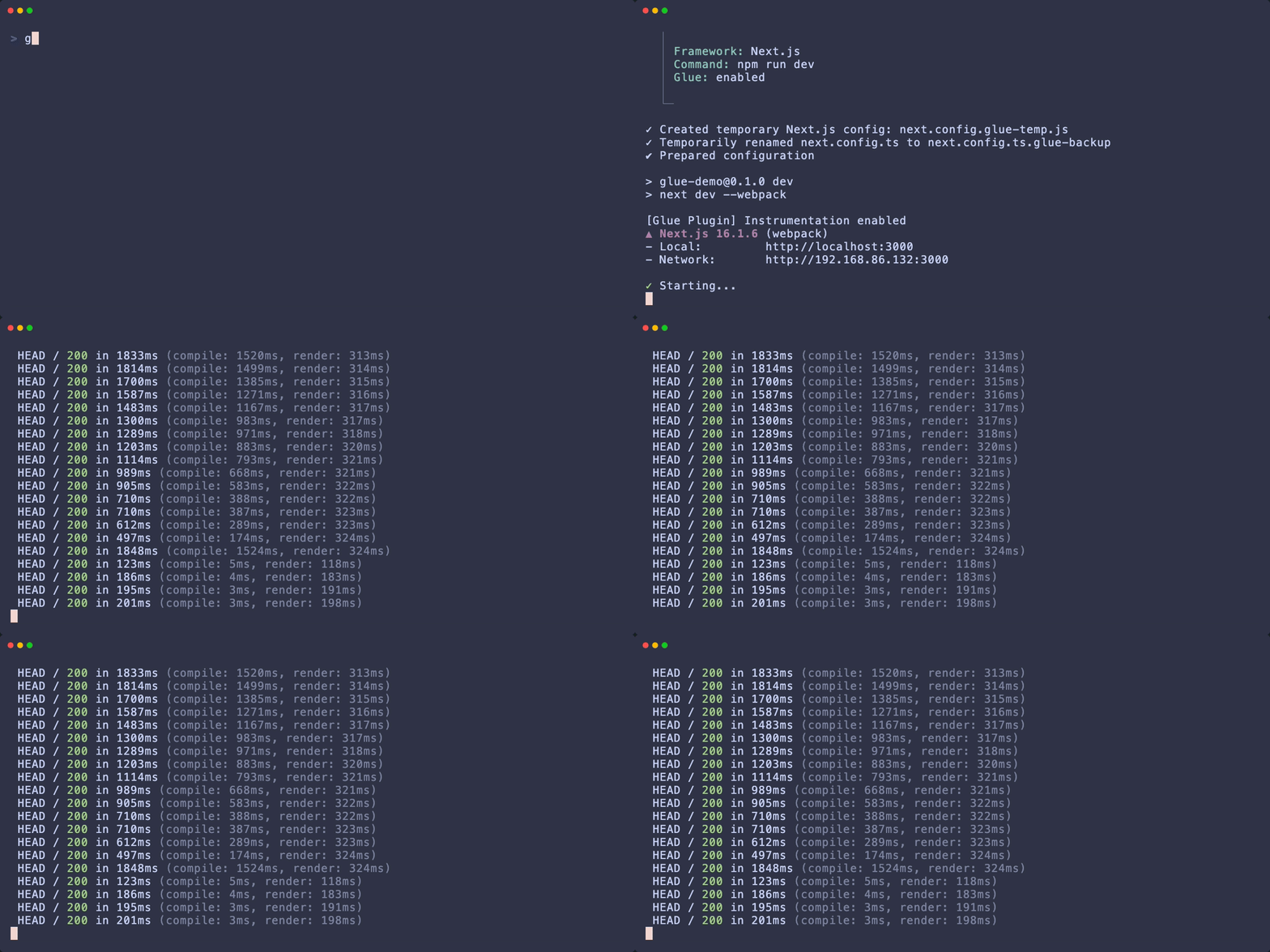
GLUE_INSTRUMENT=1, starts your dev server, detects the port, and auto-opens the Glue desktop app.
-f, --framework <name>— Force framework (next, vite)--no-auto-detect— Disable framework auto-detection
PORT env var, then scans common ports (3000, 3001, 5173, 8080, etc.).
glue open
Launch the Glue desktop app.
--info— Display app information without launching--port <port>— Connect to specific port--url <url>— Connect to specific URL--no-detect— Skip auto-detection
glue handoff
Export annotations and optionally launch Claude Code.
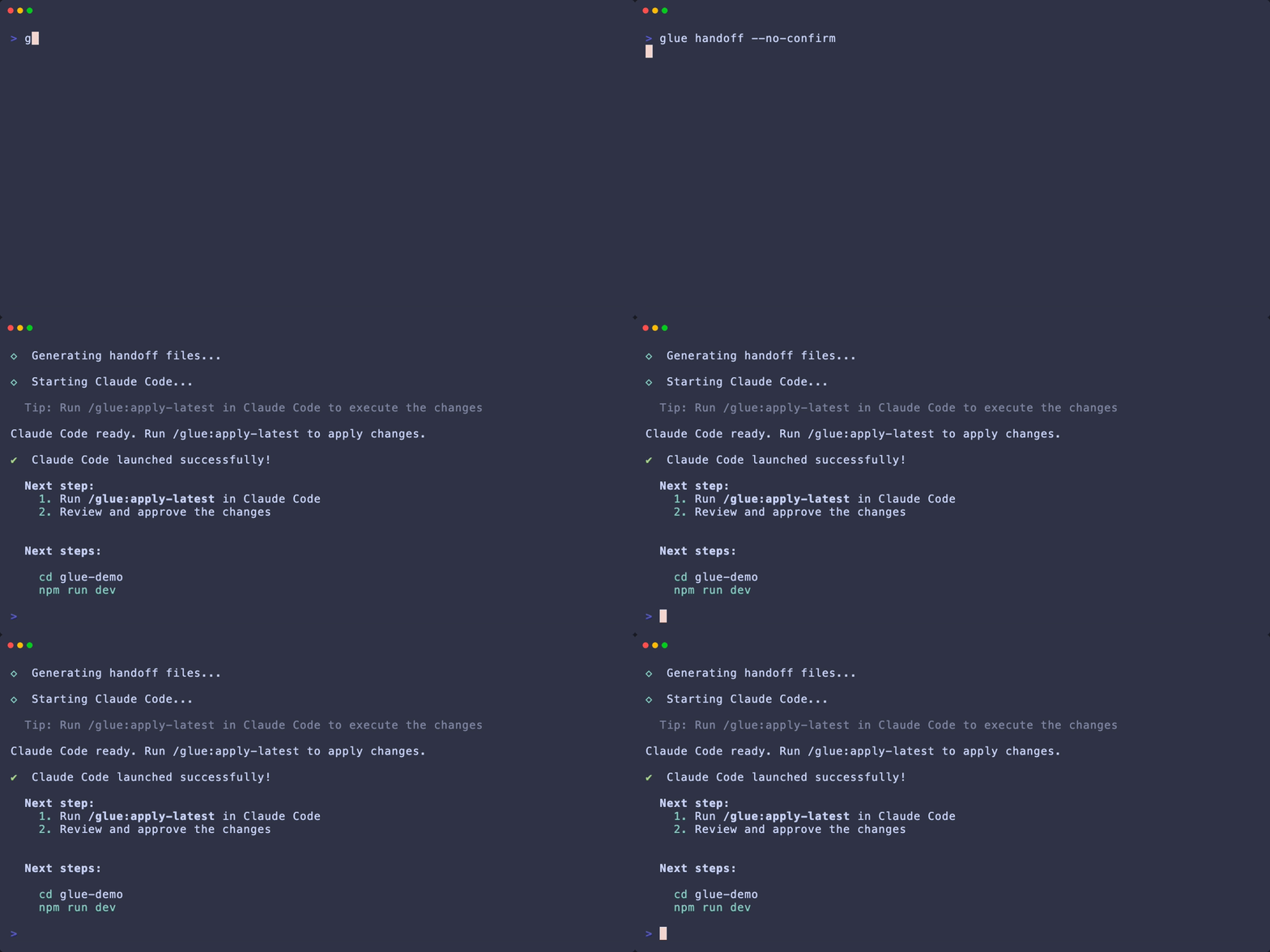
-a, --agent <agent>— Coding agent:claude-code-r, --repo-root <path>— Repository root (auto-detected)--annotations-path <path>— Custom annotations file location--no-confirm— Skip confirmation prompts--claude-plugin— Generate Claude Code plugin files
.glue/handoff/latest.md— Human-readable spec.glue/annotations/latest.json— Machine-readable data.glue/claude-plugin/— Claude Code plugin (with--claude-plugin)
glue config
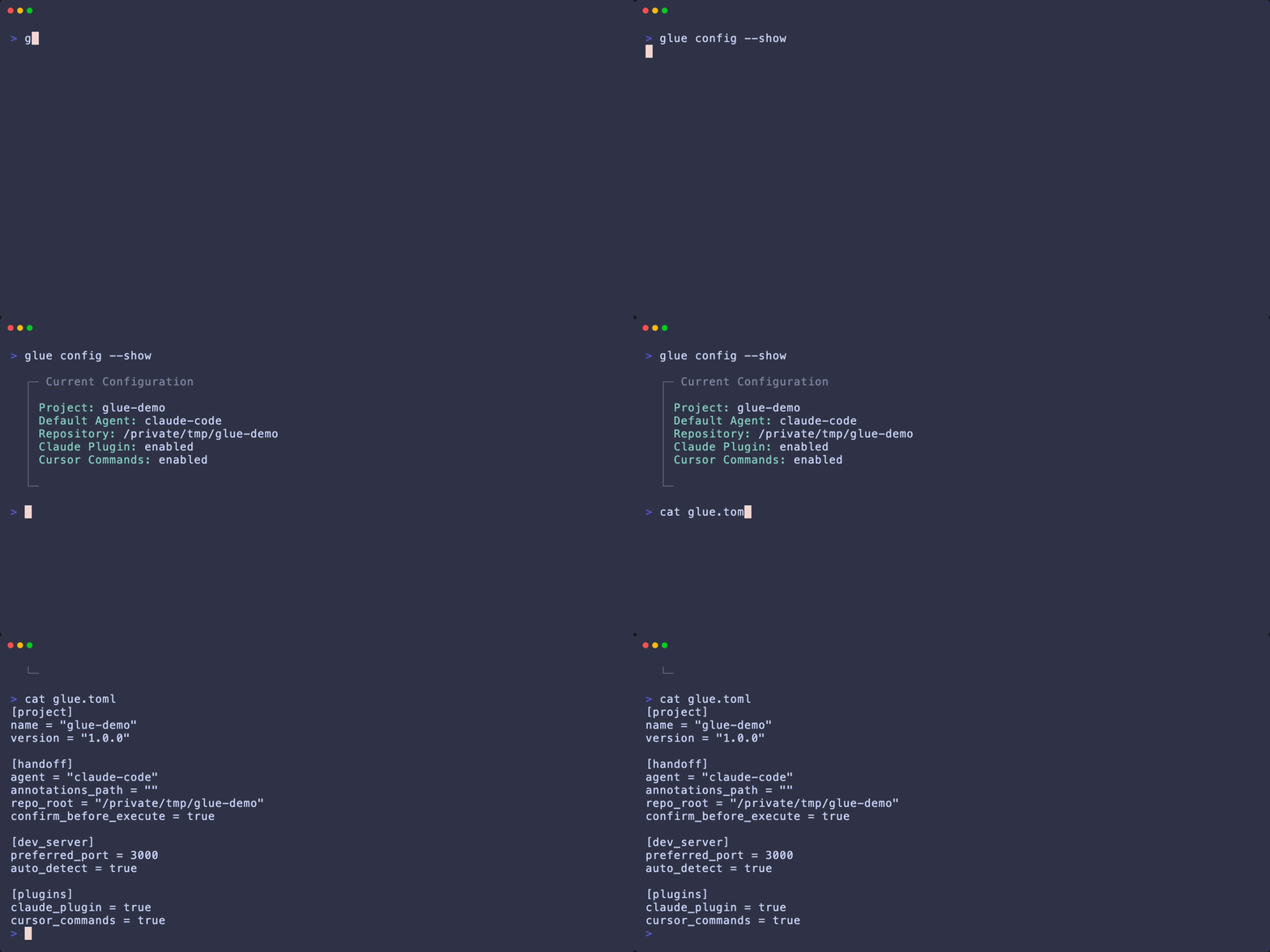
View or edit glue.toml configuration.
Environment Variables
| Variable | Description |
|---|---|
GLUE_INSTRUMENT | Set to 1 to enable instrumentation. Set automatically by glue run. |
GLUE_ENABLED | Legacy alias for GLUE_INSTRUMENT (still supported). |
PORT | Dev server port. Used by glue run for detection. |
NODE_ENV | Glue disables when set to production. |
Exit Codes
| Code | Meaning |
|---|---|
| 0 | Success |
| 1 | General error |
| 2 | Configuration error |
| 3 | App not found |